Looking On-Line – Tips and Reminders
- Search safely – spelling things correctly and use a kid friendly search engine.
- If you look at a website for more than 3 minutes and don’t find something new, go to a new site.
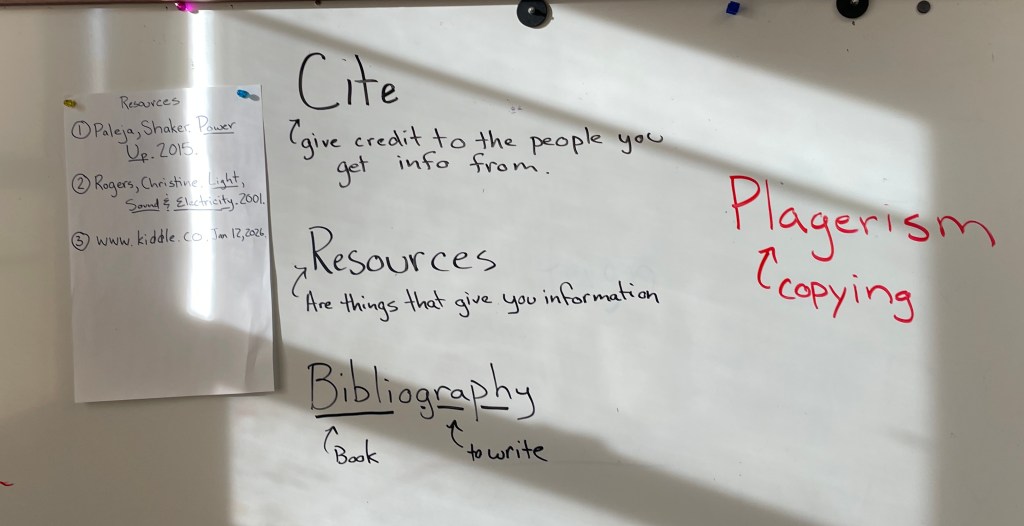
- Check to see who wrote the information – an author with expertise is important.
- When you find a good site, write down a full address
- Scan information to find the key pages you need.
- Print out pages with a lot of information for more effective note taking.
When you print, CHECK THE NUMBER OF PAGES BEFORE HITTING “OK”!
Here are some starting places — let me know if you want me to add a website to your collection.
Foreign Money – Banknotes.com
Caterpillar – Caterpillar History
Pac Man – History of PacMan
Titanic – National Geographic Kids article
Stagecraft – Careers in Theater
Sleep/Dreams – Sleep for Kids
Wild Mustang Conservation – National Geographic article
Yellowstone – Geology
Stocks and Bonds – Types of Investment
Chocolate – Field Museum Chocolate Exhibit
Ninjas – History of the Ninja (same site has link for Ninja vocabulary)
Minerals – Minerology 4 Kids
History of Computers – Timeline from Triumph of the Nerds
Disney World – cool facts
Super Novas – Science for Kids!
Billiards – Fun Facts, Thinkquest
Monty Python – Overview
Paper – history of paper
Stonehenge – National Geographic Kids, Official Stonehenge Site
Icelandic Horses – History
Skyscrapers – All About, How they Work, skyscraper museum


 The Rookery